Is Sogou Input Method free to download and use?
Yes. Downloading and everyday typing are free. Only premium skins and some advanced AI features are paid, and you never have to pay just to download or type.
Which platforms does Sogou Input Method support?
It runs on Windows (7/8/10/11), macOS, Android and iOS (iPhone and iPad), so you can use the same keyboard across desktop and mobile.
What is the official download domain?
The official main domain is sogouinputmethod.com. The Windows page is sogouinputmethod.com/windows and the Mac page is sogouinputmethod.com/mac. On iOS, search the App Store for Sogou Input.
How do I tell a fake Sogou download site apart?
Stick to sogouinputmethod.com. Sites like app-sogou.cn or web-sogou.com that show a high-speed downloader button are copycats and often bundle extra software.
Does Sogou Input Method work on Windows 11?
Yes. The Windows build officially supports Windows 7, 8, 10 and 11 in both 32-bit and 64-bit. Use custom install to skip bundled apps.
Can I use it on iPhone and iPad?
Yes. Install from the App Store, then add Sogou under Settings, General, Keyboard and turn on Allow Full Access so voice and cloud features work.
Why can I not find it on the US App Store?
Sogou often does not appear in the US store. Switch your Apple ID to the mainland China or Hong Kong region to find and download it.
Can I type traditional Chinese with it?
Yes. The Pinyin version has built-in simplified-to-traditional switching. Press Ctrl+Shift+F or change the output setting; no separate package is needed.
Does it support voice input and dialects?
Yes. Voice-to-text supports Mandarin and several dialects. It needs an internet connection and may be slower on overseas networks.
How much does the membership cost?
Core typing is free. Premium pricing for skins and advanced features varies by platform and promotion; check the in-app store for the current price.
Can I use Sogou Input Method overseas?
Yes, the keyboard works abroad. Cloud features and downloads can be slower on overseas IPs, but local typing stays fast and offline.
How do I avoid bundled software during install?
On Windows choose Custom Install and uncheck extras such as the assistant, PDF and photo tools, so only the input method itself is installed.
How do I change the skin?
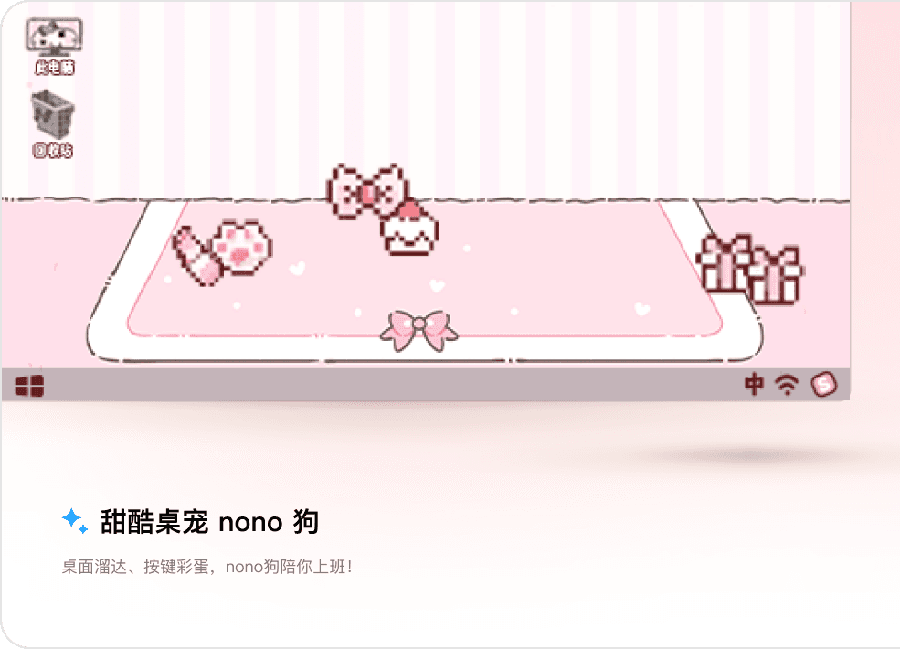
Open the skin store inside Sogou, pick a skin and apply it. You can also set a custom image as your keyboard background.
Where do I get official dictionaries?
Use the built-in cell dictionary store inside Sogou. It offers topic dictionaries for games, majors and regions that you can add with one tap.
Does Sogou Input Method upload what I type?
Cloud input and suggestions send some data to improve candidates. You can turn off cloud input and personalization in settings if you prefer local-only typing.
Is it safe to type passwords with it?
Avoid typing passwords in any third-party keyboard. In password fields most keyboards, including Sogou, fall back to a basic local mode without cloud upload.
How do I enable Cantonese or Zhuyin input?
In settings, add the Cantonese or Zhuyin scheme. The mobile app and desktop both let you switch input schemes from the keyboard menu.
Can I sync my personal dictionary across devices?
Yes. Sign in to your account to back up and sync your personal dictionary so you keep your words after switching phones.
Why is download slow or the page blank?
The official download page is dynamic and loads slowly on overseas IPs. Refresh, change network or use the App Store on iOS instead.
Who owns Sogou now?
Sogou became a wholly owned part of Tencent in 2021, so Sogou Input Method is now a Tencent product.