搜狗输入法 Download

Download Sogou Input Method

Trust the official main domain sogouinputmethod.com, pick your system and install; scan the QR to get the mobile app and avoid fake sites and bundles.

Windows

Windows 7/8/10/11

Download for PC

Mac

macOS

Download for Mac

Android

Official APK

Download APK

iOS

App Store

Get on App Store
Scan to download Sogou Input Method mobile

Scan to get the mobile app

Scan the QR code with your phone to download Sogou Input Method; on iOS use a mainland China or Hong Kong Apple ID to find it in the App Store.

How do I confirm the official source?

Trust only sogouinputmethod.com: /windows for PC, /mac for Mac and the main page for mobile; sites like app-sogou.cn or web-sogou.com with a high-speed downloader are fakes.

How do I install Windows without bundles?

After downloading, choose Custom Install and uncheck the assistant, PDF and photo tools so only the input method itself is installed.

How do I enable the Mac version?

After installing, add Sogou Pinyin under System Settings, Keyboard, Input Sources and grant the permissions it requests to type in any app.
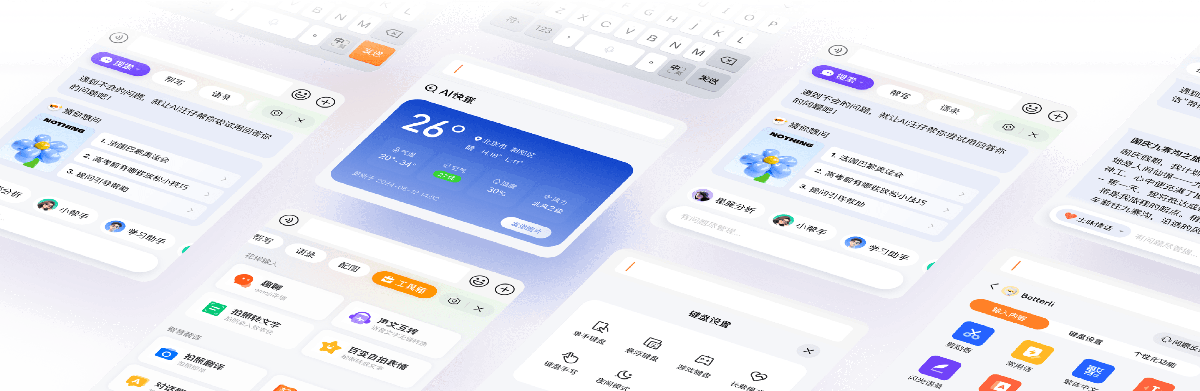
Download Sogou Input Method

No Google Play, how do I install on Android?

The Play build is discontinued, so download the official APK from sogouinputmethod.com (allow unknown sources) or use a mainland app store.

iOS not found overseas, what now?

Switch your Apple ID to mainland China or Hong Kong (the US store returns 404), then search Sogou Input; sign in only in the App Store, not iCloud.

Is the download free?

Yes, download and core typing are free; only some premium skins and extras are paid, and pay-before-download pages are fakes.

Sources: Sogou Input official siteSogou PinyinApple App StoreMicrosoft Support 据上述官方资料整理。

FAQ

What is the official download domain?

The main domain is sogouinputmethod.com, with /windows for PC and /mac for Mac; on iOS search the App Store.

How do I avoid fake download sites?

Only use sogouinputmethod.com; copycats push a high-speed downloader and bundle extra software.

How do I skip bundled apps on Windows?

Choose Custom Install and uncheck the assistant, PDF and photo tools.

Is it compatible with Windows 11?

Yes, it supports Windows 7, 8, 10 and 11 in 32-bit and 64-bit.

How do I install the Mac version?

Download from sogouinputmethod.com/mac and add Sogou Pinyin in System Settings, Keyboard.

Where is the Android APK?

Download the official APK from sogouinputmethod.com or use a mainland app store.

Is Sogou on Google Play?

The Play build is discontinued; use the official APK instead.

How do I set up Sogou on iOS?

Install from the App Store, add it under Settings, Keyboard, and enable Allow Full Access.

Why is it missing from the US App Store?

Switch your Apple ID region to mainland China or Hong Kong, then search again.

Is the download free?

Yes, download and core typing are free; only some skins and extras are paid.

How big is the installer?

Size varies; check the current figure on sogouinputmethod.com and grab the latest build.

Do I need a separate traditional installer?

No, the Pinyin version switches to traditional with Ctrl+Shift+F.

Can I scan a QR to install on mobile?

Yes, scan the QR on this page to reach the official mobile download.

Is the old Zhuyin build safe?

No, the legacy Taiwan Zhuyin build is unmaintained; use the maintained build.

Can I download in Hong Kong or Taiwan?

Yes, via the official APK on Android or a Hong Kong Apple ID on iOS.

How do I uninstall it?

Remove it from the system Apps list and delete leftover folders manually.

Will reinstalling keep my dictionary?

Back up or sync your dictionary first, then reinstall the latest build.

Does it install adware by default?

Optional extras can be declined with Custom Install; bundles come from fakes.

Can I install on both PC and phone?

Yes, and signing in syncs your dictionary across devices.

Is there a portable version?

No official portable build; use the signed installer from sogouinputmethod.com.